
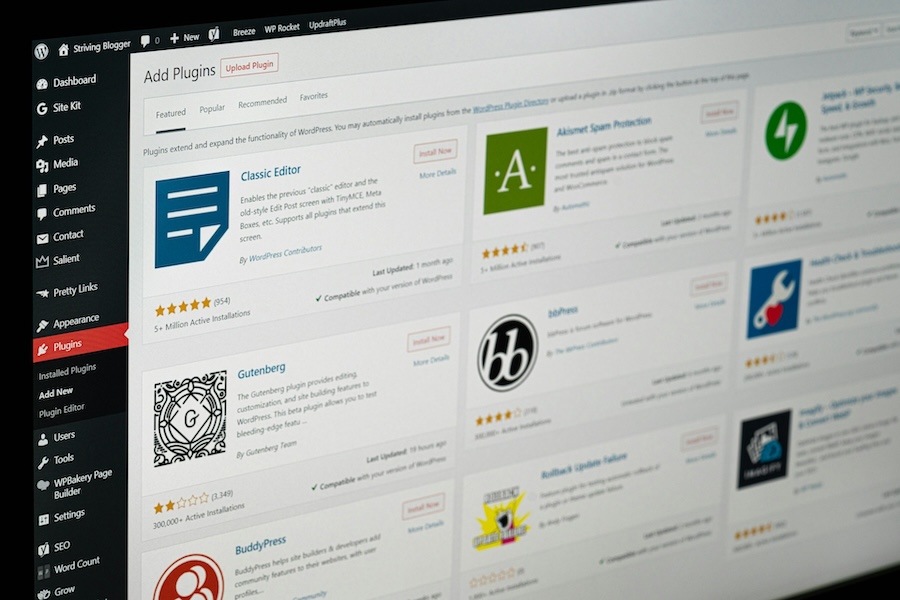
One of the biggest reasons we like building small business websites on WordPress is flexibility. WordPress connects with thousands of plugins that extend what your website can do, whether you want to improve SEO, speed up your site, collect leads, or connect with tools like Google Analytics.
The catch is that more plugins doesn’t automatically equate to a more effective website. Installing too many plugins (or the wrong ones) can lead to slower performance, security issues, and extra maintenance. We prefer to keep things simple by recommending a few proven plugins that solve common problems without adding unnecessary complexity.
Here are the WordPress plugins we suggest for many small business websites and why we think they’re worth having.
A quick note before we dive in: Every website has different goals and technical requirements, so we don’t see there being a universal list of plugins that’s right for every business. The plugins mentioned below are the ones we commonly recommend because they’ve shown to be reliable, practical, and well suited for the types of the small business WordPress websites we work with. If another plugin is a better fit for your needs, we’ll recommend that, instead.
Making your site easier to find in search: Yoast
Search engine optimization involves dozens of moving pieces. Fortunately, Yoast SEO helps simplify many of the basics.
Some of our favorite features include:
- Editing SEO titles and meta descriptions
- Generating XML sitemaps automatically
- Controlling how pages appear in search results
- Adding schema markup to help search engines understand your content
- Providing helpful reminders about on-page SEO best practices
Yoast doesn’t magically move your website to the top of Google. Quality content, strong website architecture, and backlinks still matter. However, it makes managing many technical SEO tasks much easier, especially for busy small business owners who don’t spend their days thinking about which schema to apply.
Make it easy for visitors to provide contact information: WPForms
Every small business website needs an easy way for prospective customers to get in touch. WPForms makes creating and managing contact forms straightforward without requiring custom development.
Depending on your business, WPForms supports:
- Contact forms
- Quote request forms
- Appointment request forms
- Newsletter sign-up forms
- File upload forms
- Multi-step forms
The drag-and-drop builder makes updates simple, even for business owners with little technical experience.
Equally important, WPForms includes spam protection and notification features that help ensure legitimate inquiries reach your inbox instead of getting buried under junk submissions.
Helping your website load faster: LiteSpeed Cache
Nobody enjoys waiting for a slow website to load. Website speed affects both user experience and search engine rankings, which makes performance an important part of every website we build.
LiteSpeed Cache helps improve loading times by:
- Caching pages for faster delivery
- Compressing website files
- Optimizing images
- Reducing unnecessary code
- Improving Core Web Vitals performance
When paired with compatible hosting, LiteSpeed Cache provides noticeable performance improvements with relatively little ongoing maintenance. A faster website creates a better experience for visitors and gives potential customers fewer reasons to leave before contacting your business.
Connecting Google tools to your site: Site Kit by Google
Many business owners know they should use GA4 or Google Search Console, but connecting everything together can feel a lot more technical than it should.
Site Kit by Google simplifies that process by connecting your WordPress website with Google services such as:
- GA4
- Google Search Console
- Google Tag Manager
- PageSpeed Insights
Instead of jumping across several different platforms, Site Kit displays useful information directly inside your WordPress dashboard. For busy small business owners, having this information in one place saves time and encourages more informed marketing decisions.
Why we limit the number of plugins
One misconception about WordPress is that every problem can be solved by adding another plugin. In our experience, that’s rarely true.
Every additional plugin introduces another piece of software that needs updates, compatibility testing, and ongoing maintenance. Over time, an overloaded website becomes harder to manage and more likely to experience performance issues.
We prefer to install plugins with a clear purpose and a proven track record. A smaller, well-maintained collection of plugins is usually easier to manage than dozens of plugins that overlap in functionality.
The right plugins support your site, not complicate it
The best WordPress plugins quietly do their jobs in the background. Yoast SEO helps improve search visibility, LiteSpeed Cache improves website performance, Site Kit by Google connects helpful reporting tools, and WPForms makes it easy for customers to send an inquiry to your business. Together, they help create a website that’s easier to maintain, performs well, and gives busy small business owners one less thing to worry about.
If you’re planning a new WordPress website, or wondering whether your current site has become overloaded with unnecessary plugins, explore our WordPress website design services to learn how we build simple, practical websites that are designed for long-term success.

Jeremy is the Founder of Conversion Fox Marketing, a transparent and award-winning web design and marketing agency based in Apex, NC. He brings 15+ years of marketing experience to help small businesses get better leads through conversion-driven websites.